
Tech Cluster Design Wala - Courses, Placement & Registration

MS-PROJECT Training in India

12043 Ratings | Read Reviews
Rated 5 out of 5

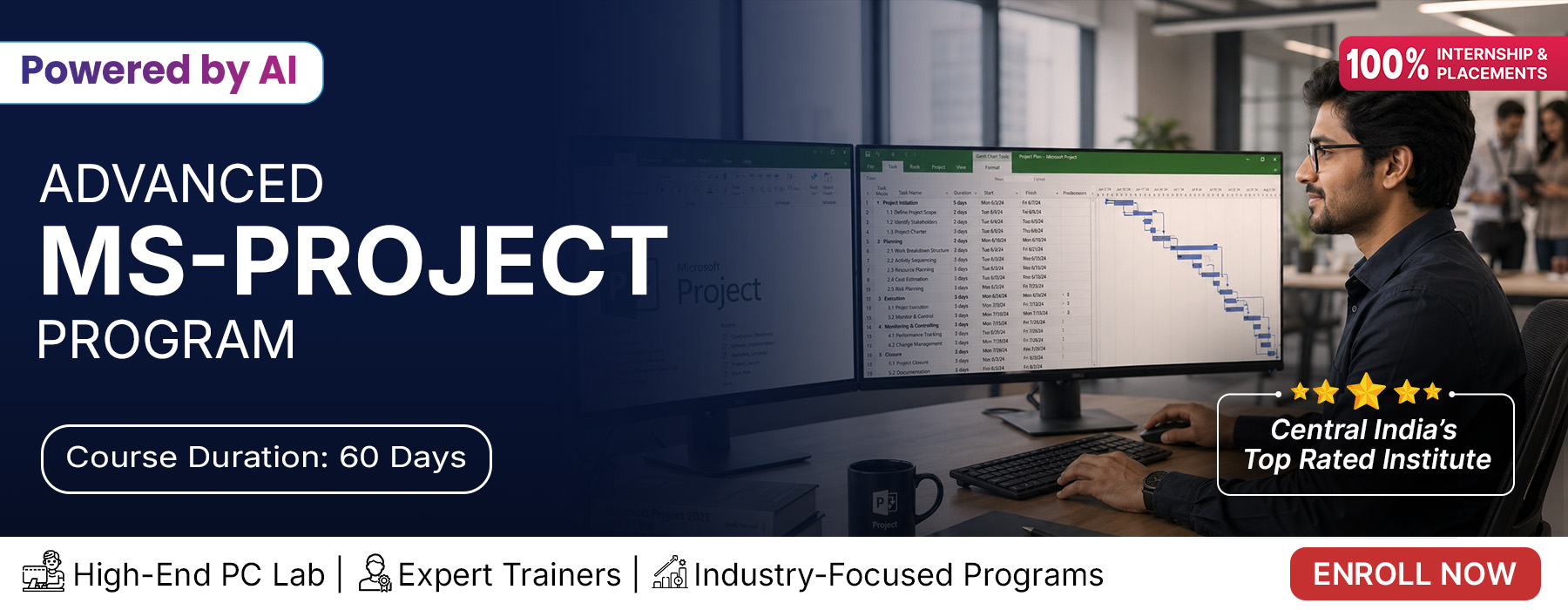
Microsoft Project is one of the most widely used project management software developed by Microsoft to help project managers plan, schedule, execute, and monitor projects efficiently. It enables users to create project schedules, assign resources, manage budgets, track progress, analyze workloads, and ensure projects are completed on time.

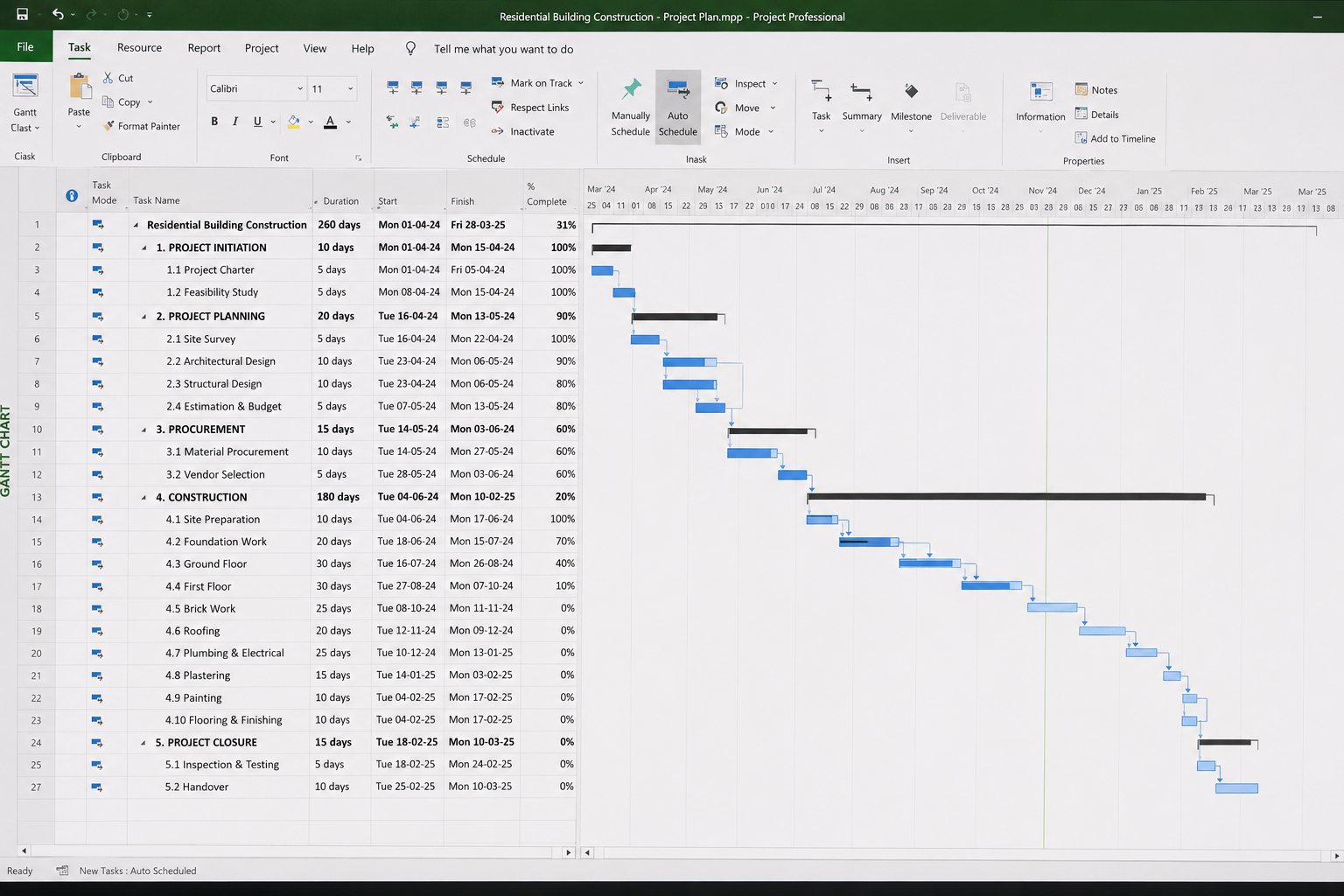
The software offers powerful tools such as Gantt Charts, project timelines, task dependencies, resource allocation, cost management, and progress tracking, making it an essential solution for construction, engineering, IT, manufacturing, and infrastructure projects. With Microsoft Project, organizations can improve team collaboration, optimize resource utilization, minimize project risks, and make informed decisions throughout the project lifecycle.

If you are looking for the best Microsoft Project Training in India, Design Wala provides practical training with live projects, expert faculty, certification, and placement assistance. Our course is designed to help students and professionals gain real-world project management skills for successful career growth.

Applications

Microsoft Project is widely used in construction, civil engineering, IT, manufacturing, infrastructure development, healthcare, and business management projects. It helps organizations efficiently plan project schedules, allocate resources, manage budgets, monitor timelines, and generate detailed reports.

The software is extensively used by project managers, planning engineers, construction companies, consultants, and corporate organizations to improve productivity, collaboration, and project execution. Learning Microsoft Project opens career opportunities as a Project Planner, Planning Engineer, Project Coordinator, Project Manager, and PMO Professional.

Course Highlights:

MS-PROJECT Foundation
  • Introduction to Microsoft Project
  • Project Creation & Setup
  • Task Creation & Scheduling
  • Work Breakdown Structure (WBS)
  • Task Dependencies & Constraints
  • Calendars & Working Time
  • Resource Creation & Assignment
  • Gantt Chart Basics
  • Milestones & Deadlines
  • Project Tracking Basics

MS-PROJECT Advanced

  • Resource Leveling & Optimization
  • Cost Planning & Budget Management
  • Baseline Creation & Variance Analysis
  • Critical Path Analysis
  • Progress Tracking & Earned Value
  • Custom Fields & Filters
  • Reports & Dashboards
  • Multiple Project Management
  • Project Templates & Automation
  • Project Publishing & Export
Course Duration: 45 Days

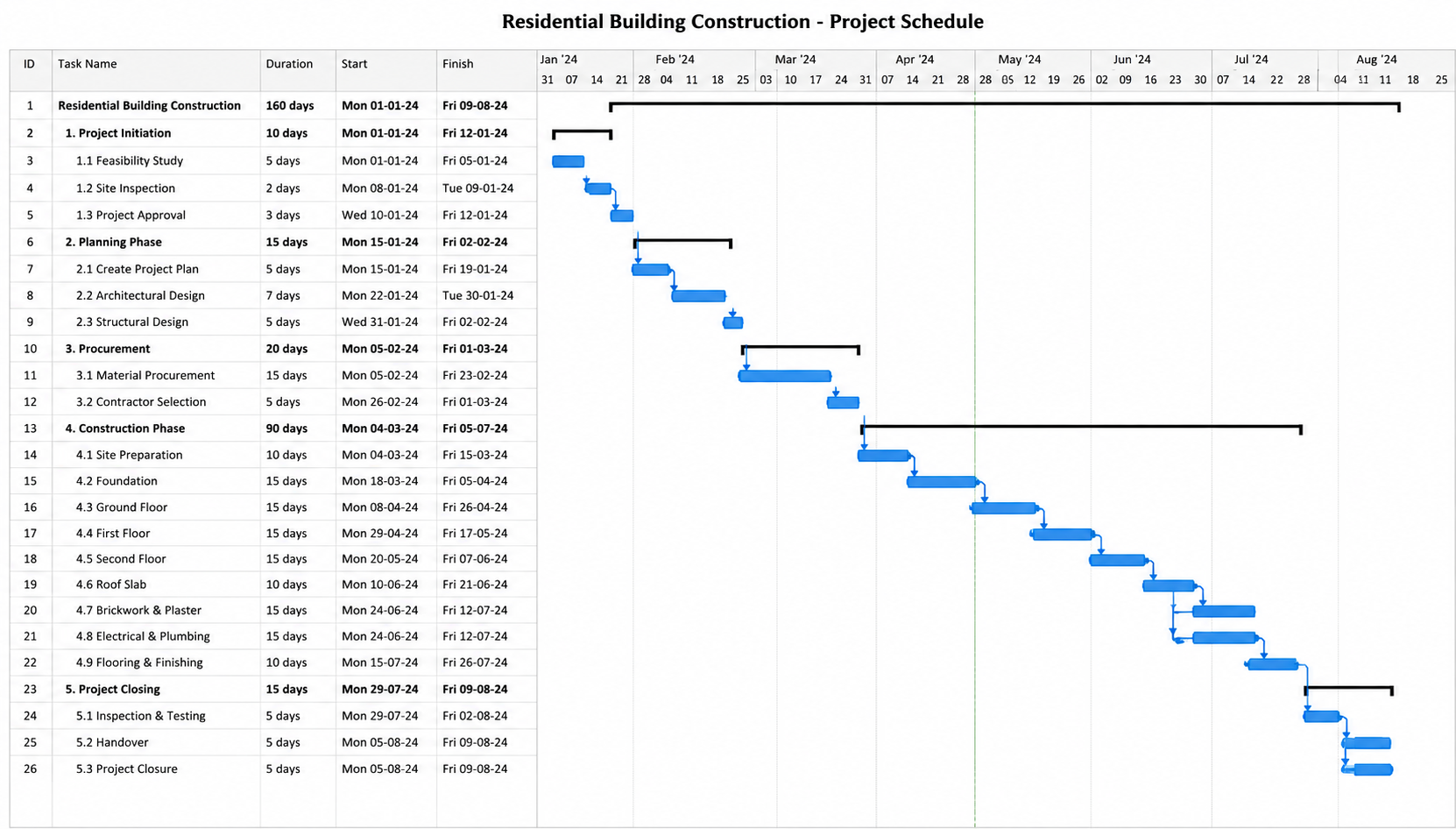
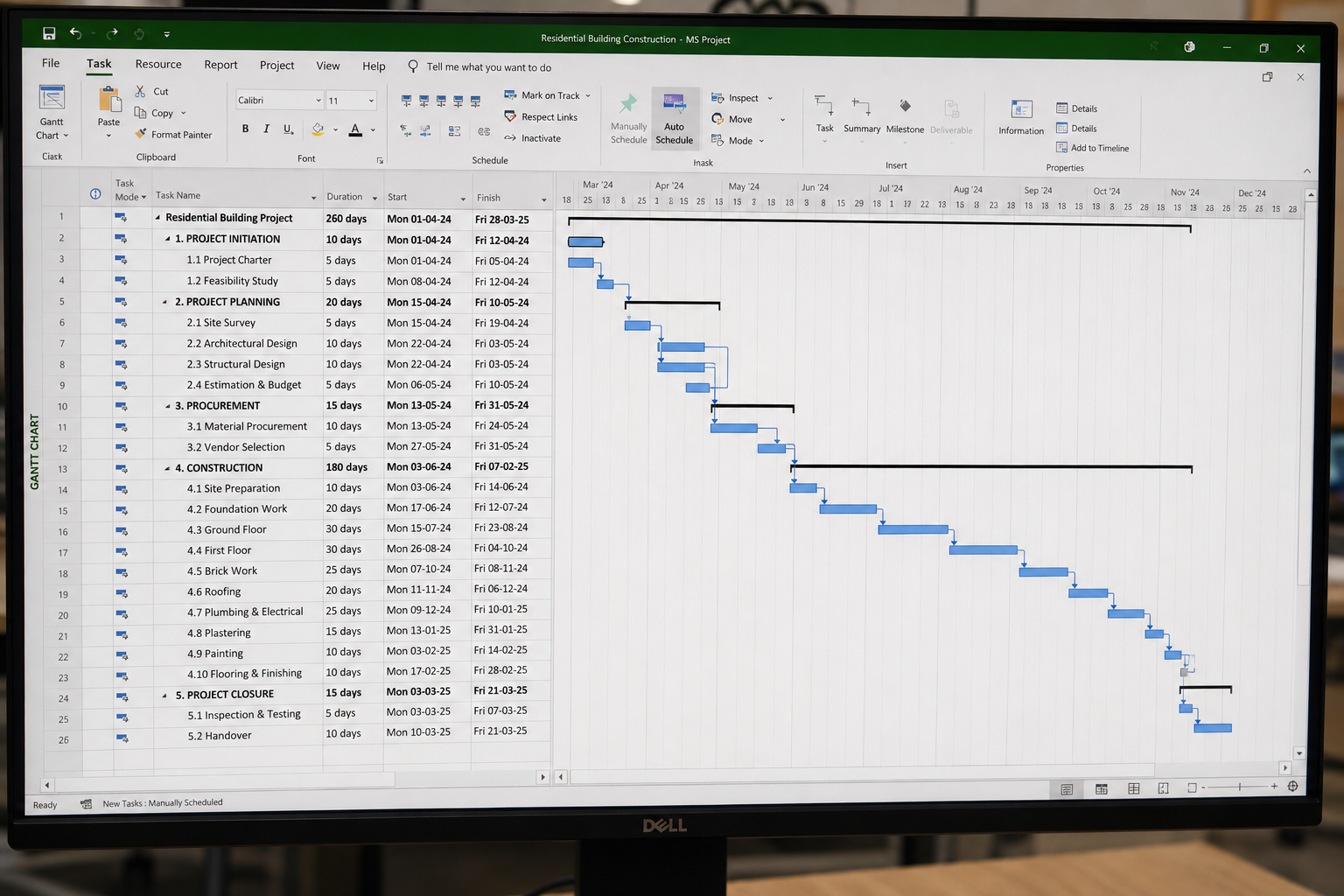
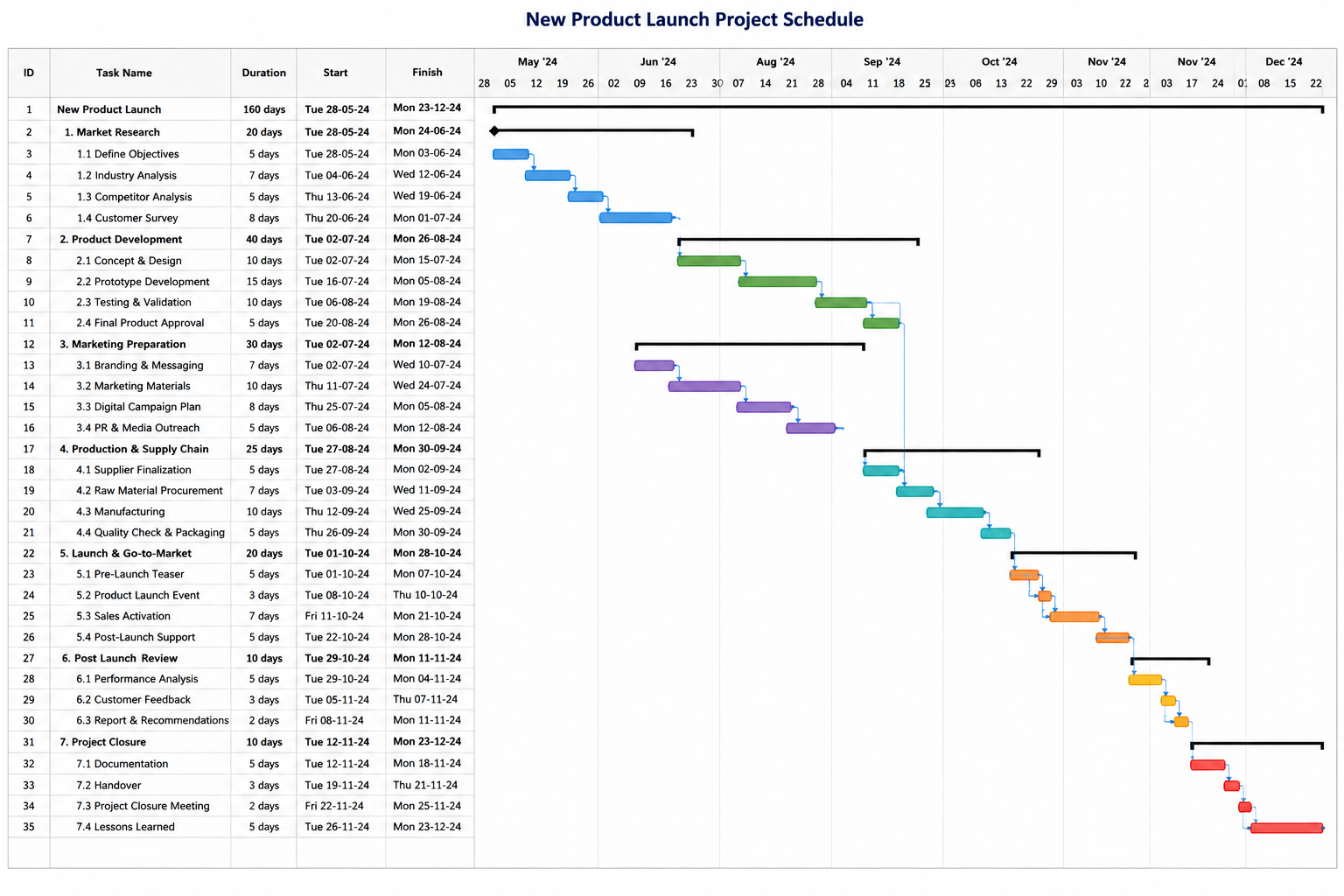
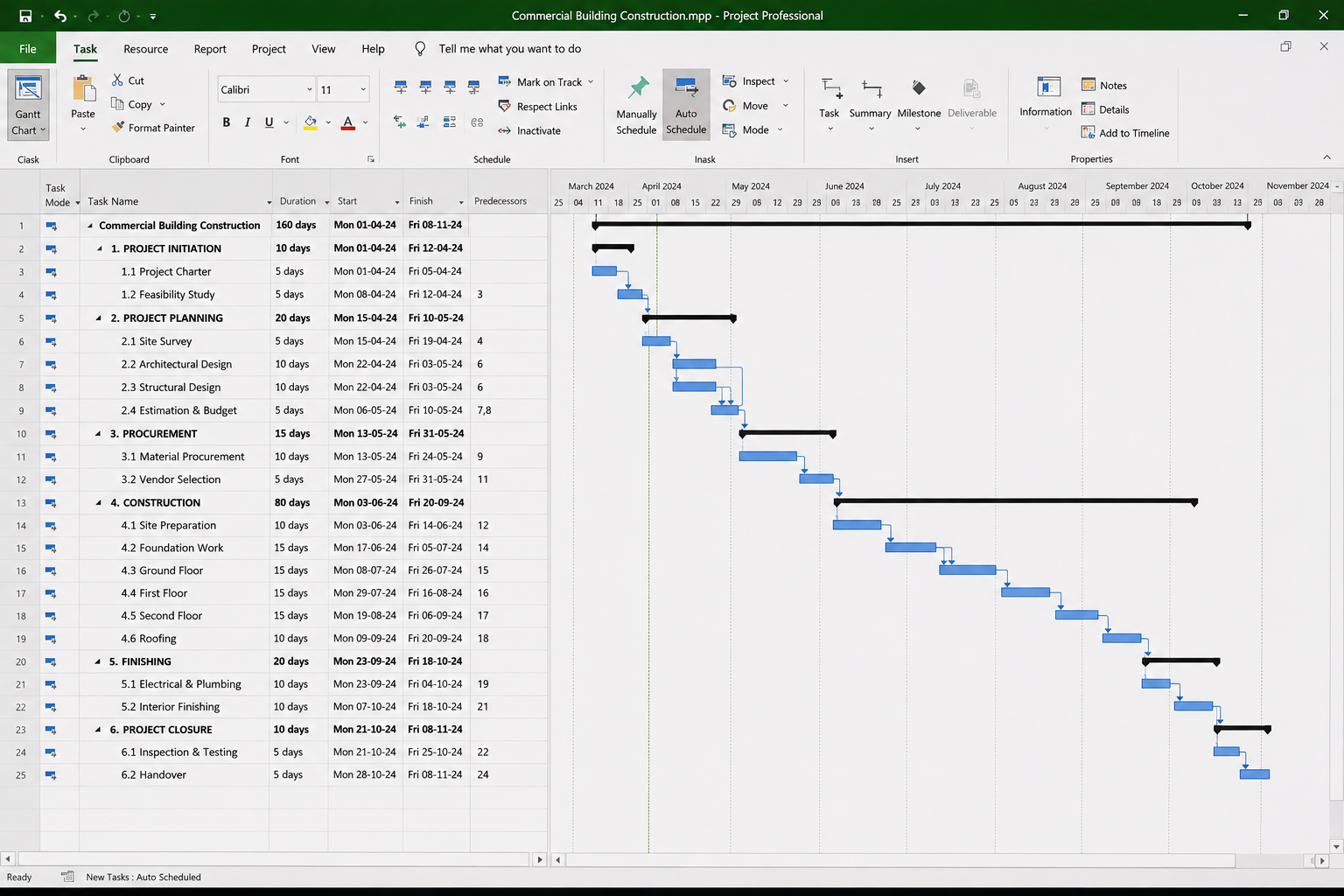
MS-PROJECT Design Projects by Students

Our students plan, schedule, manage resources, and track project progress using Microsoft Project, building practical project management skills and a professional portfolio.

Stuti Sinha
Vijay Gothi
Bhavya Mehta
Rituraj Gupta
Anjali Mehta

Student testimonials

Why Choose Tech Cluster?

At Tech Cluster, learning goes beyond classrooms. Our programs are designed to match current industry requirements and prepare students for real job roles.

What Makes Us Different

Training Modes Available

Offline

Online

Get a Call From Our Expert!

Submit a form to book your seat now!

Grow With Us Everywhere

Frequently Asked Question(FAQs)

Is this a certification course?

Yes, this is a professional certification course. You will receive a recognized certificate after completion.

What is the duration of the interior design course?

The course duration is 3 to 6 months, depending on the level (basic to advanced).

Do you offer demo classes?

Yes, Tech Cluster provides free demo classes so you can understand the teaching style, course structure, and interact with trainers before enrolling.

Is placement guaranteed?

Tech Cluster provides 100% placement assistance, including resume building, portfolio creation, interview preparation, and job referrals.
However, placement depends on your skills, performance, and interview results.

Do Tech Cluster provide training with live case studies?

Yes, the training includes live projects and real-world case studies, helping you gain practical experience and build a strong portfolio.

Does Tech Cluster conduct national and international workshops?

Yes, Tech Cluster conducts national and international workshops, allowing students to learn from industry experts and stay updated with the latest trends.

Start Your Career in 3D Design & Visualization Today

Build practical AutoCAD skills with industry-focused training and placement support.

Book Your Free Demo Class Today

Limited Seats Available

Years of Experience
0 +
No. of Student Trained
0 +
International Students Batches
0 +
students placed & Own startups
0 +
Working with MNC Companies
0 +
Graphic desgining training center indore India

Enter Your Details to Download Brochure!

Graphic desgining training center indore India