

Tech Cluster Design Wala - Courses, Placement & Registration

Civil AutoCAD Training in India

12043 Ratings | Read Reviews
Rated 5 out of 5

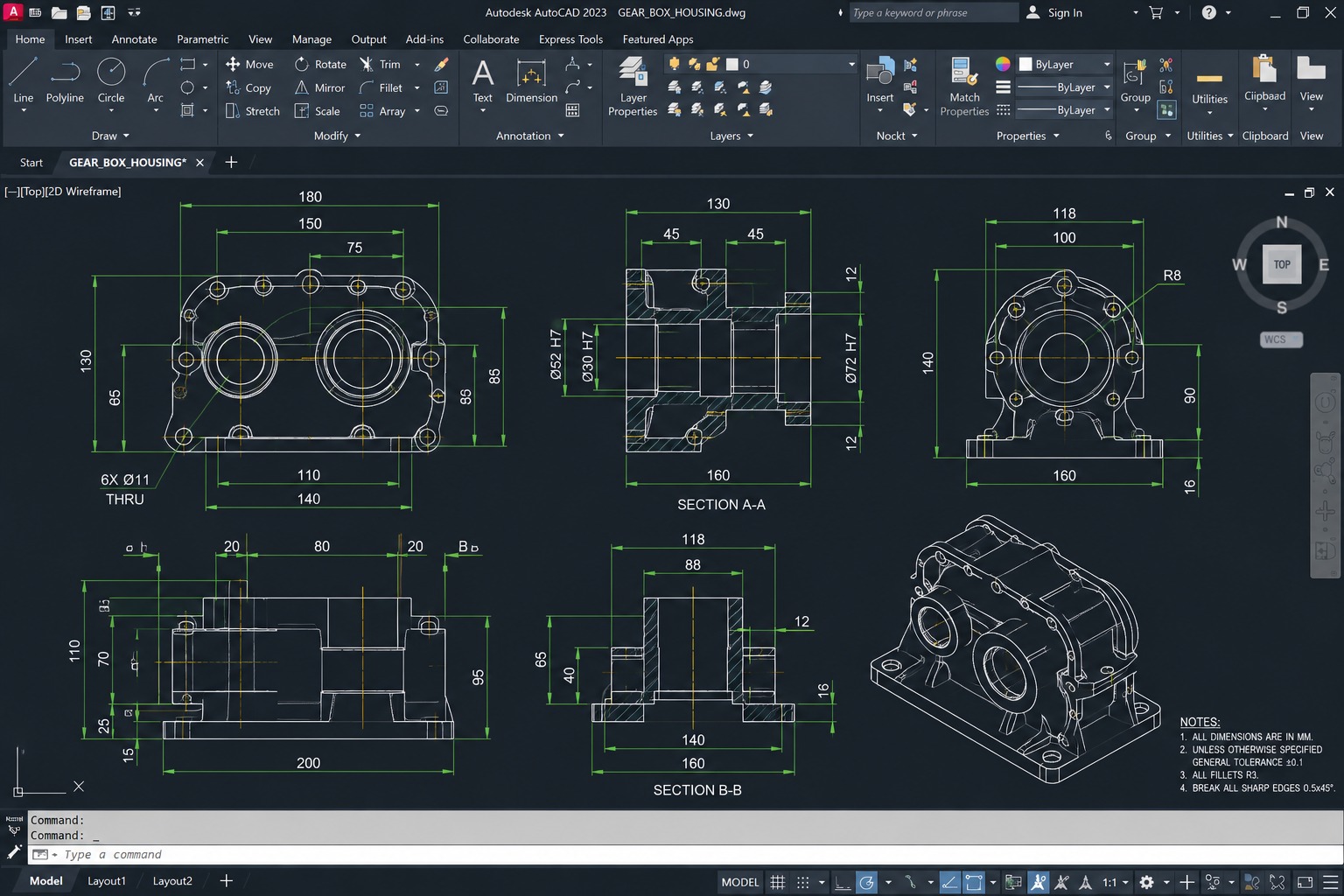
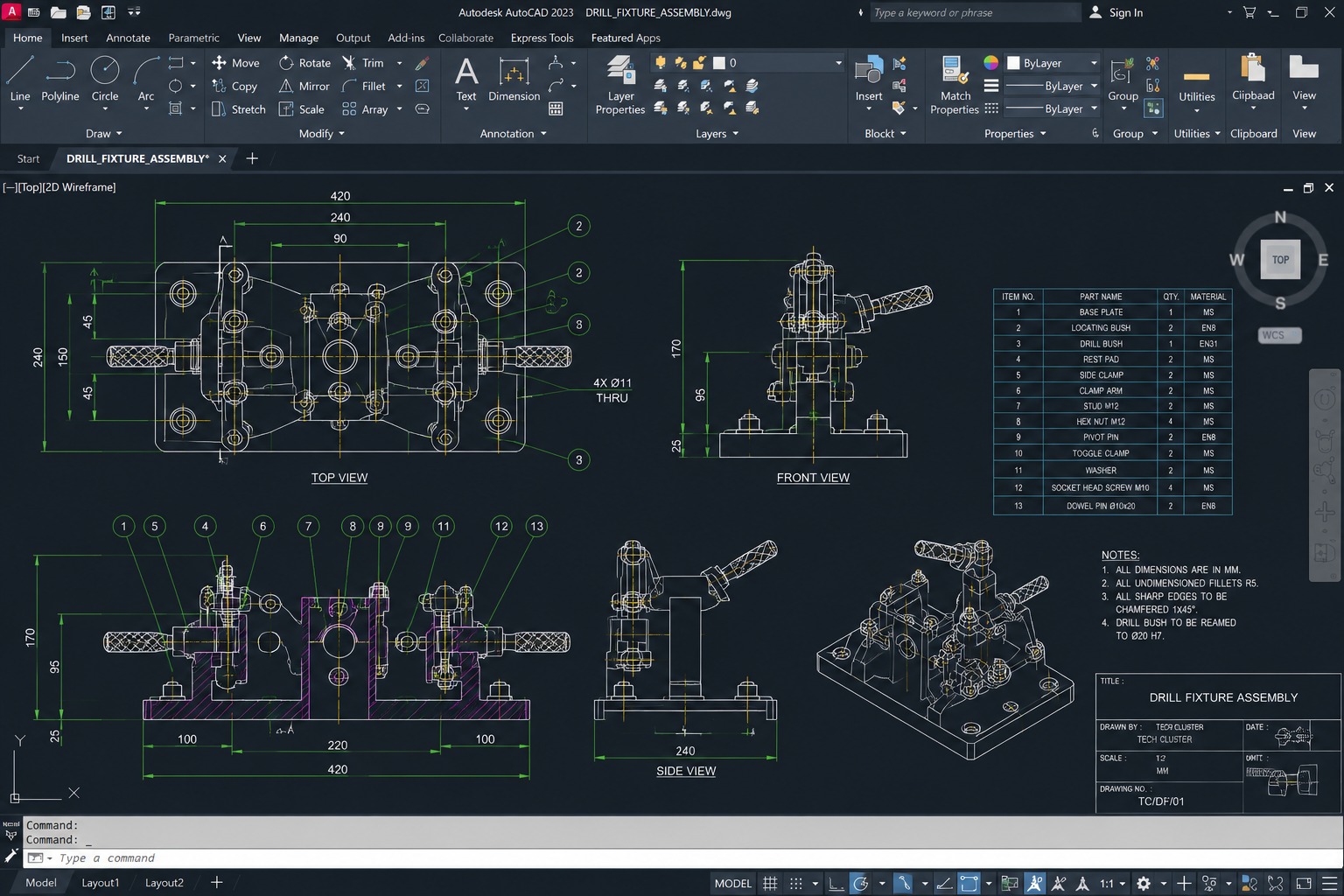
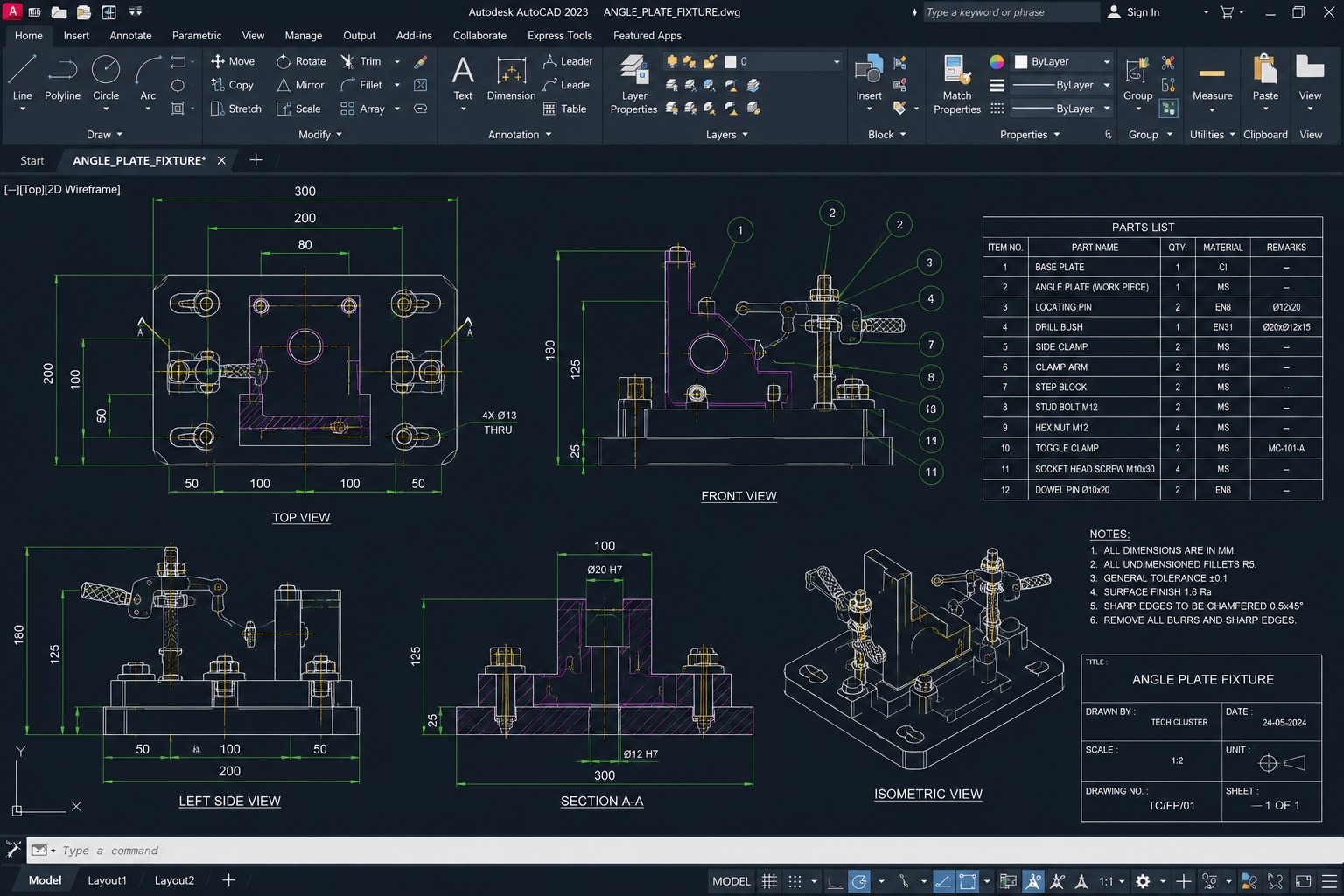
AutoCAD is one of the world’s most widely used computer-aided design (CAD) software applications developed by Autodesk. Since its launch in 1982, AutoCAD has become the industry standard for 2D drafting, technical drawing, and design documentation across civil engineering, architecture, mechanical engineering, and construction industries. Today, millions of professionals worldwide rely on AutoCAD to create accurate engineering drawings, floor plans, layouts, structural designs, and technical documentation.

If you are looking for the best AutoCAD Training in Indore, Tech Cluster offers a comprehensive and industry-focused AutoCAD Course designed specifically for Civil Engineering students, Diploma holders, Draftsmen, Architects, and working professionals. Our training program helps students gain practical knowledge and hands-on experience with real-world projects used in the construction and infrastructure sectors.

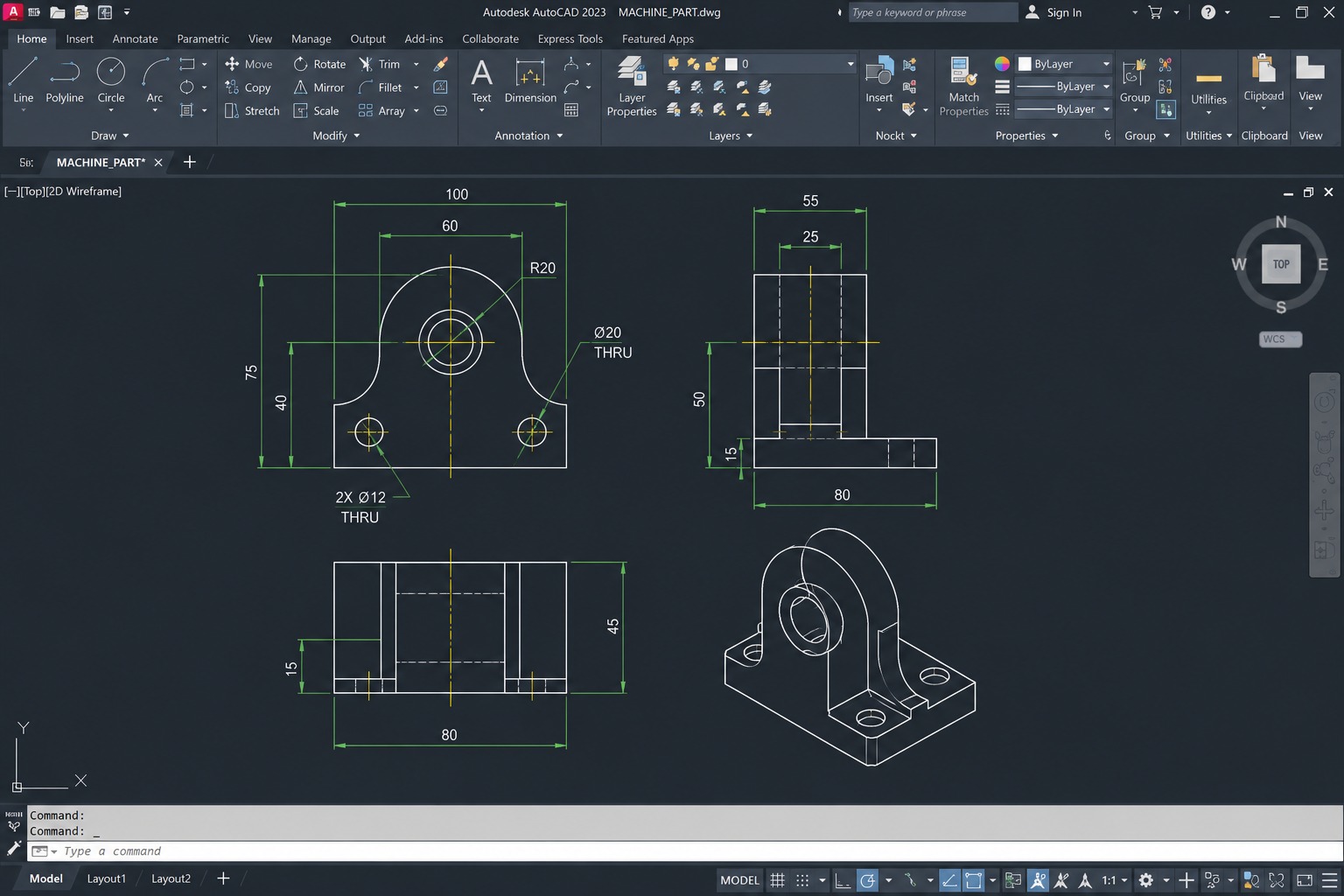
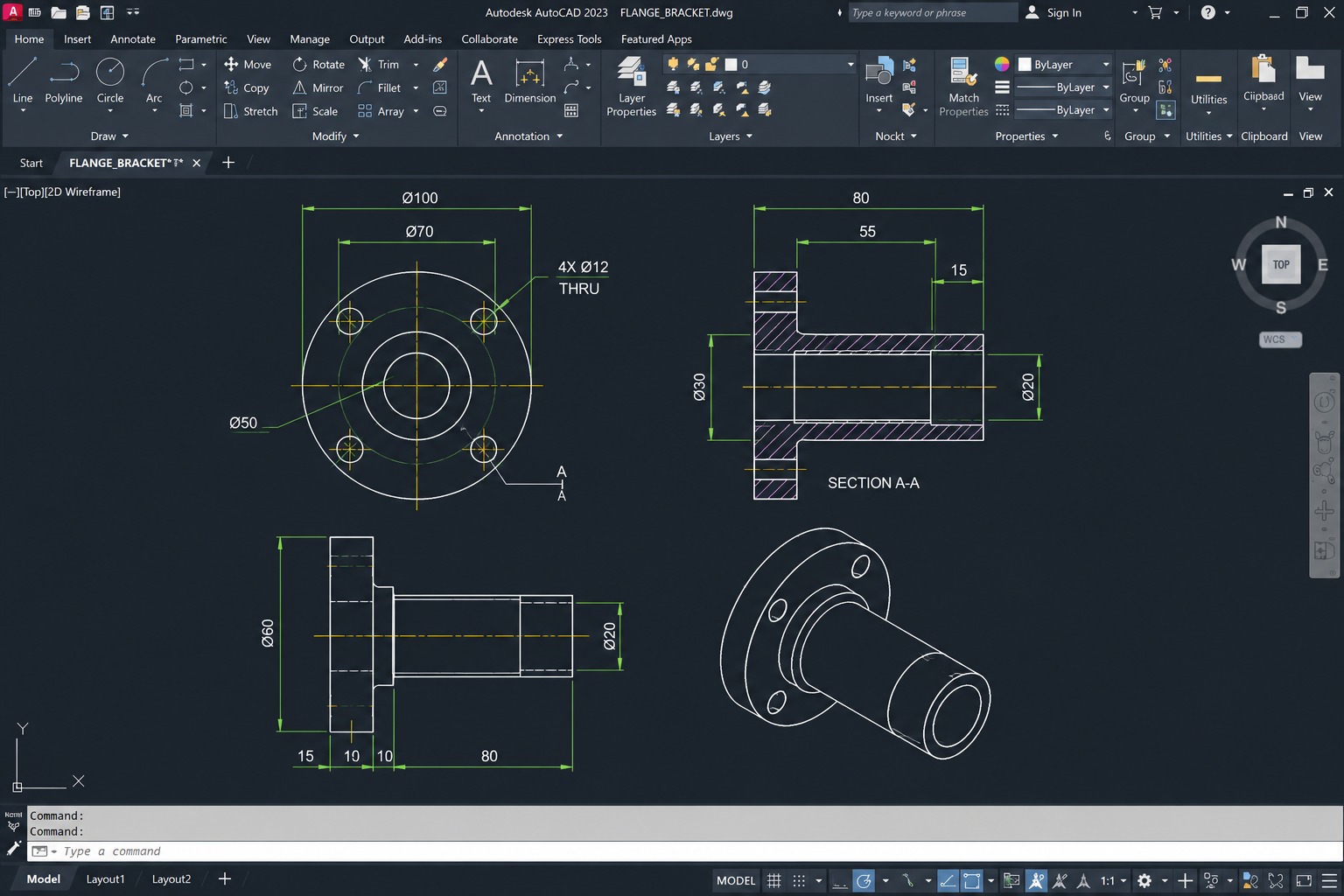
The AutoCAD Certification Course at Tech Cluster covers all essential topics required by industry professionals. Students learn AutoCAD fundamentals, drawing and modification tools, layer management, dimensioning techniques, text and annotations, blocks and attributes, layouts, plotting, construction drawings, working drawings, and advanced drafting concepts. The course curriculum is regularly updated to match current industry standards and job requirements.

Our AutoCAD Classes in Indore are conducted by experienced trainers who provide personalized guidance and practical exposure through live projects and assignments. Whether you are a beginner or an experienced professional looking to upgrade your skills, our AutoCAD training program helps you develop the technical expertise needed to succeed in the engineering and design industry.

Applications
AutoCAD is used across a wide range of industries, like Aerospace & Defense, Automobile & Transportation, Marine Engineering, Education, Manufacturing, Fast Moving Consumer Goods, Automation etc..

Course Highlights:

AutoCAD 2D Drafting
  • AutoCAD User Interface & Capabilities
  • Navigating the working environment
  • Working with files
  • Displaying objects
  • Co-ordinate system
  • Creating basic shapes
  • Using object snap
  • Creating special shapes
  • Using Polar Tracking and Polar Snaps
  • Modification of Objects
  • Creating Different Types of Lines
  • Creation Of Plan, Elevation, Section View
  • Apply Hatch & Gradient
  • Use Of Text, Mtext & Layers
  • Object Creation & Modification
  • Creating Object Pattern
  • Trimming and Extending Objects
  • Object Property Tools
  • Create Foundation Plan of Structure
  • Draft Structural Drawing
  • Structure Planning
  • Creating Centre Line Plan
  • Architectural Plan
  • Site Plan
  • Electrical Planning
  • Plumbing Plan
  • Furniture Layout
  • Door Window Staircase Details
  • HVAC (High Voltage Air Conditioning) Planning
  • Draft Complex Structures
  • Printing Plotting
  • Units & Drawing Creation
  • Creating Section Line
  • Creating Dimensions
  • Modify Dimensions
  • Dimension Style

3D Modelling & Visualization

  • Introductions to 3D
  • Working in 3D
  • Creation of 3D door, window, staircase, railing
  • Creating Solid Primitive
  • Solid Model Creation from 2D Profile
  • Creation of 3D model from plan
  • Use of user coordinate system
  • 3D Orbit & Navigation Tools
  • ViewCube & Navigation Bar
  • Object Creation
  • Modification of Solid Models
  • Editing Solid Models
  • Loft Command
  • Sweep Command
  • Presspull Command
  • Elevation modelling
  • Interior modelling
  • Creating interior accessories
  • Applying Material & texture
  • Using Material
  • Modify Material
  • Material Mapping Techniques
  • Adding Lights and camera
  • Applying animations
  • Creation of walk through
  • Surface Modelling
  • Mesh Modelling Basics
  • Using Light
  • Sun & Sky Settings
  • Using Render Settings
  • Rendering 3D objects
  • Photorealistic Rendering
  • Exterior rendering
  • Interior rendering
  • Motion Path Animation
  • Camera & Perspective Views

AutoCAD Productivity Tools

  • Blocks And Dynamic Blocks
  • Using Blocks & Block Editor
  • Standard Library & Attributes
  • Object Selection Method & Alternate Features
  • Slide Show
  • Animation 2D & 3D
  • Customization of AutoCAD
  • Object Grouping
  • Linking File (External Reference)
  • Customization Of Screen
  • Tool Palette and Design Center
  • Sheet Set Manager
  • Action Recorder
  • Data Extraction Wizard
  • Annotation Scaling
  • External Reference Management (XREF)
  • Drawing Compare Tool
  • CAD Standards Management
  • Layer States Management
  • Batch Plotting & Publishing
  • PDF Import & Export
  • DWF File Management
  • AutoCAD Web Application
  • AutoCAD Mobile App Workflow
  • Cloud Collaboration Tools
  • Shared Views & Markups
  • Design Review Workflow
  • Script File Creation
  • AutoLISP Introduction
  • Drawing Recovery Manager
  • Government Project Norms
  • Licensing For Drawing
  • PWD Norms
  • State PWD Norms
  • Contract And Tendering
  • Estimation And Costing
Course Duration: 60 Hours

Interior Design Projects by Students

Our students work on real residential, commercial, and hospitality projects during the course. These projects help students build confidence, practical skills, and a strong professional portfolio

Stuti Sinha
Vijay Gothi
Bhavya Mehta
Rituraj Gupta
Anjali Mehta

Why Choose Tech Cluster?

At Tech Cluster, learning goes beyond classrooms. Our programs are designed to match current industry requirements and prepare students for real job roles.

What Makes Us Different

Training Modes Available

Offline

Online

Get a Call From Our Expert!

Submit a form to book your seat now!

Grow With Us Everywhere

Choose Your Learning Mode

Limited seats available for upcoming batches.

Classroom Training

Hands-on classroom learning with direct mentor interaction and practical sessions.

Online Training

Attend live instructor-led classes from anywhere with flexible timing options.

Frequently Asked Question(FAQs)

Is this a certification course?

Yes, this is a professional certification course. You will receive a recognized certificate after completion.

What is the duration of the interior design course?

The course duration is 3 to 6 months, depending on the level (basic to advanced).

Do you offer demo classes?

Yes, Tech Cluster provides free demo classes so you can understand the teaching style, course structure, and interact with trainers before enrolling.

Is placement guaranteed?

Tech Cluster provides 100% placement assistance, including resume building, portfolio creation, interview preparation, and job referrals.
However, placement depends on your skills, performance, and interview results.

Do Tech Cluster provide training with live case studies?

Yes, the training includes live projects and real-world case studies, helping you gain practical experience and build a strong portfolio.

Does Tech Cluster conduct national and international workshops?

Yes, Tech Cluster conducts national and international workshops, allowing students to learn from industry experts and stay updated with the latest trends.

Start Your Career in 3D Design & Visualization Today

Build practical AutoCAD skills with industry-focused training and placement support.

Book Your Free Demo Class Today

Limited Seats Available

Years of Experience
0 +
No. of Student Trained
0 +
International Students Batches
0 +
students placed & Own startups
0 +
Working with MNC Companies
0 +
Graphic desgining training center indore India

Enter Your Details to Download Brochure!

Graphic desgining training center indore India