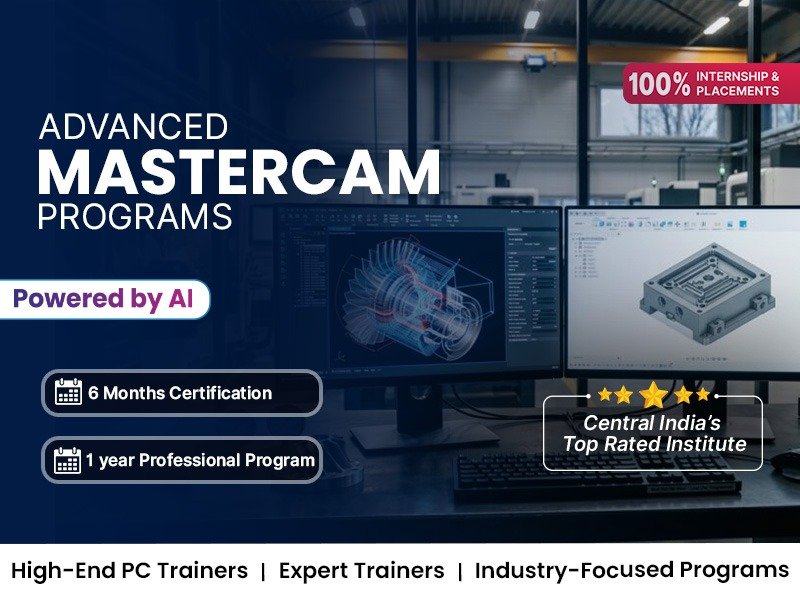

Mastercam Training Institute in Indore
- Real-Time Experts Sessions
- LIVE Project
- Certification
- Affordable Fees
- Flexibility
- Placement Support
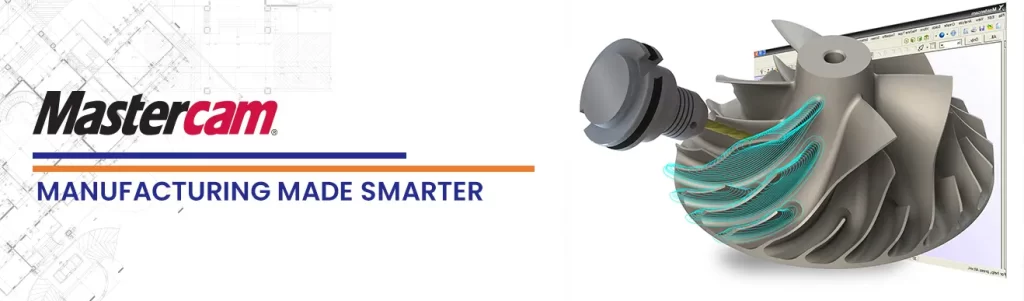
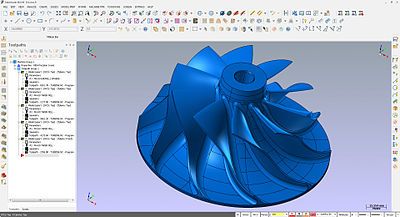
Mastercam is a Computerized Numerical Control Software tool developed in Massachusetts in 1983. Mastercam is one of the oldest PC-based computer-aided manufacturing (CAM) software. Mastercam is now located in Tolland, Connecticut.
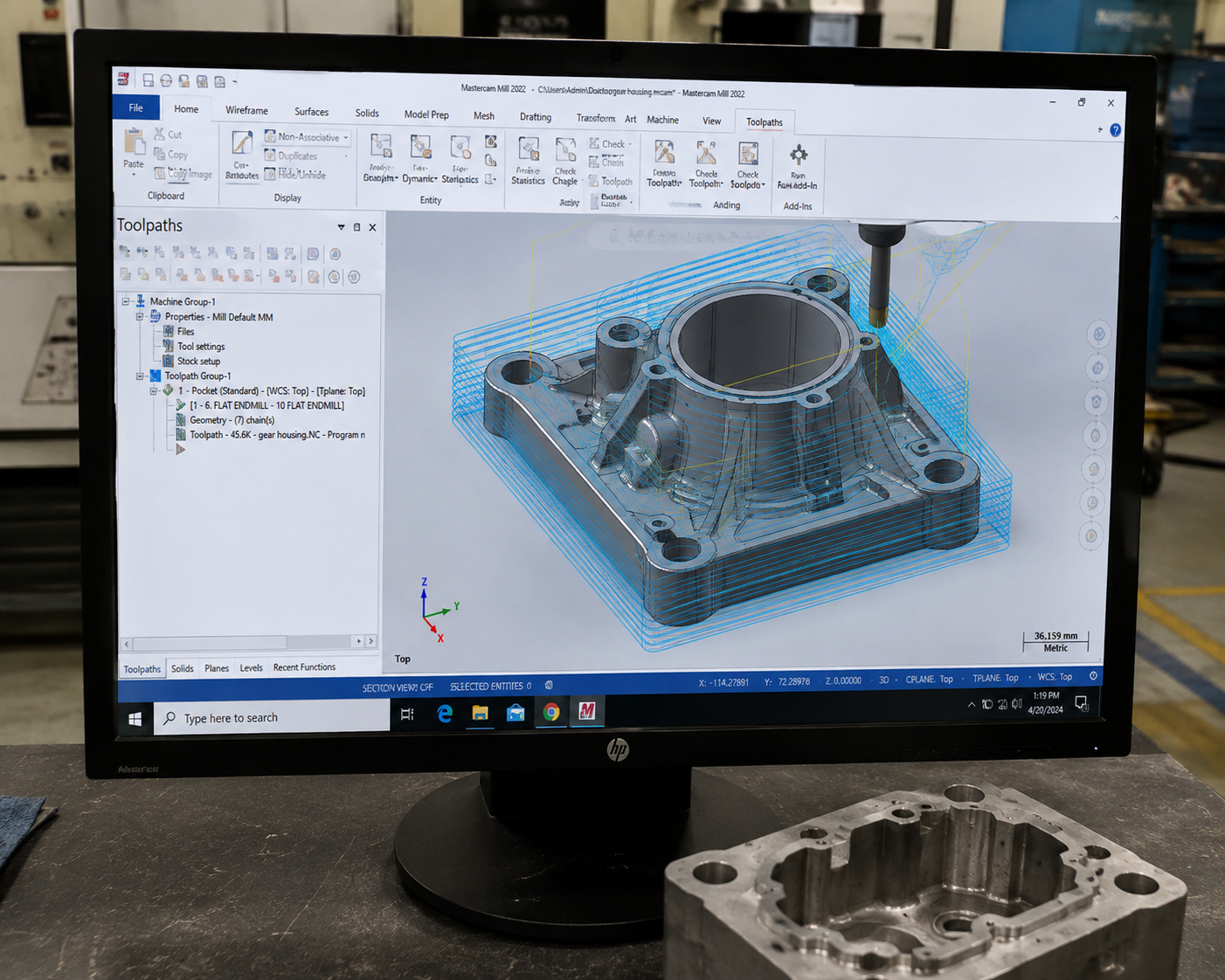
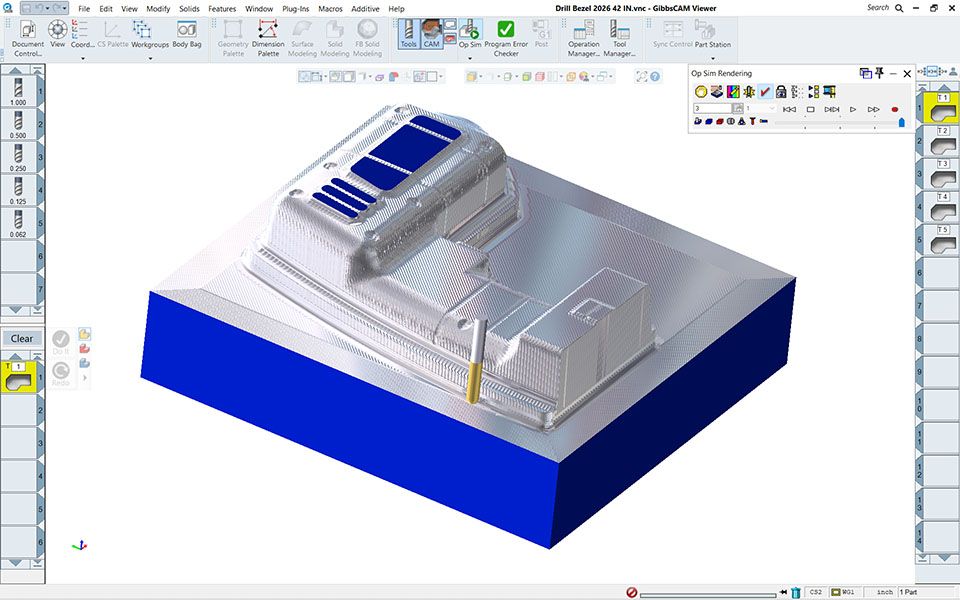
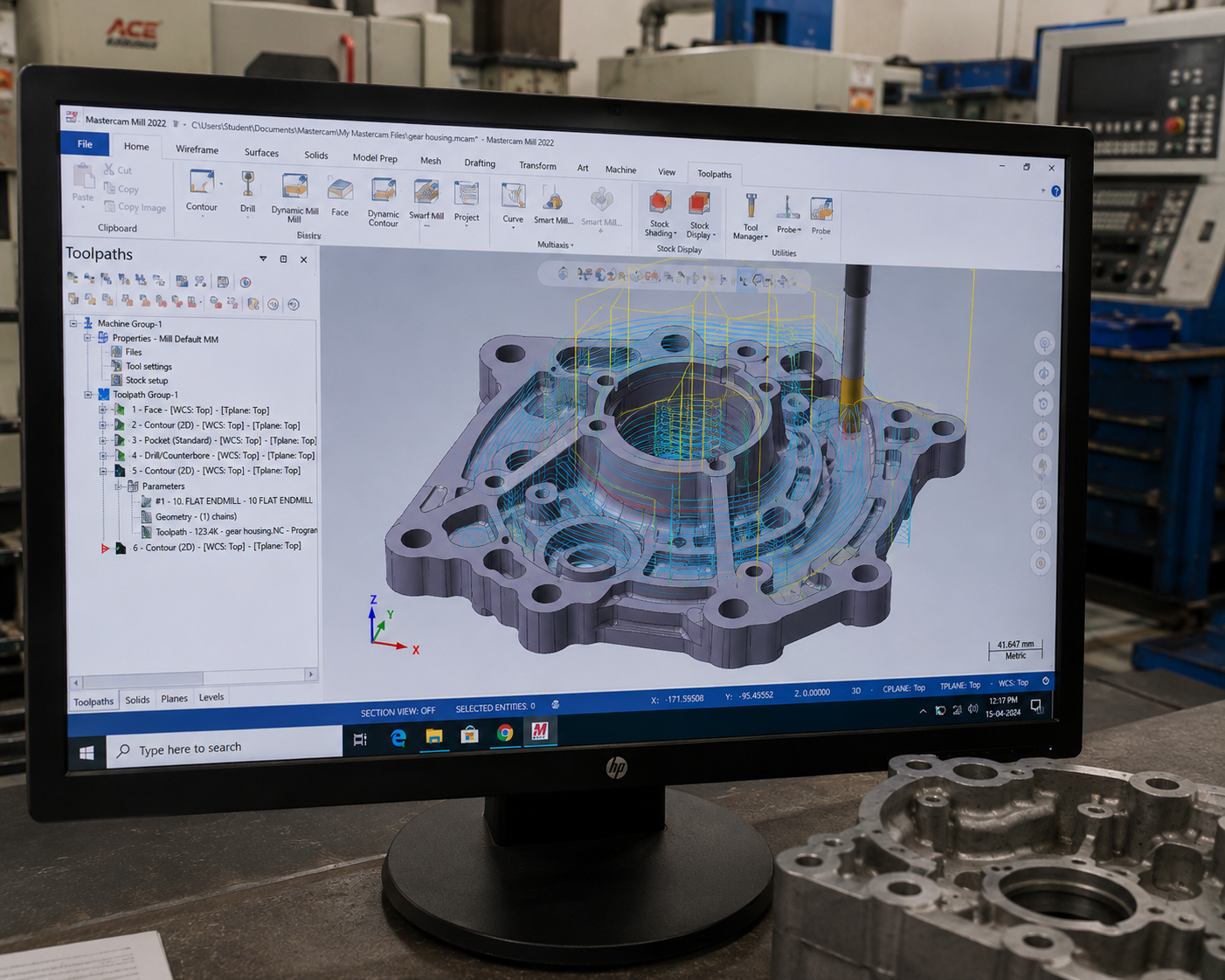
Mastercam’s provides a comprehensive set of predefined toolpaths including contour, drill, pocketing, face, peel mill, engraving, surface high speed, advanced multi-axis, and many more to enable machinists to cut parts efficiently and accurately. Mastercam users can create and cut parts using one of many supplied machine and control definitions.
Application
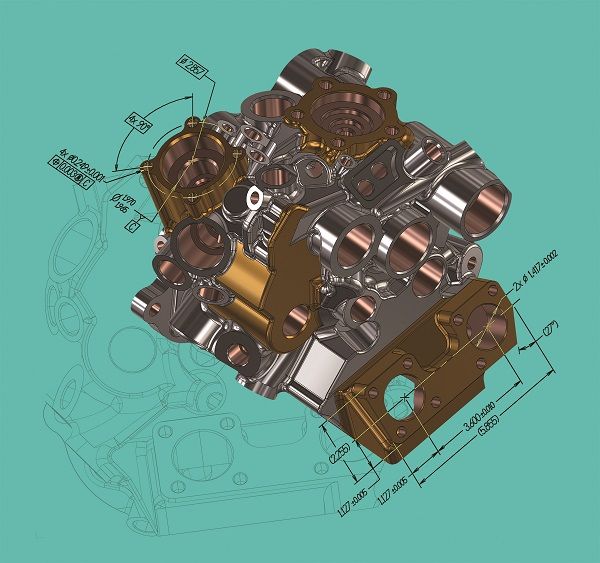
Mastercam is used across a wide range of industries, like Aerospace & Defense, Automobile & Transportation, Energy, Government & Military, Heavy Industries, Medical, Wood Industry, Mold Tool & Die, Transporation, Plastic Fabrication Marine Engineering, Education, Manufacturing, Fast Moving Consumer Goods, Automation etc. for generation of CNC cod for Milling, Turning, Shaping, Planning, Grinding, EDM, Routing etc..
Course Highlights:
Mastercam Foundation
- Introduction to Mastercam Interface
- CAD Geometry Creation & Editing
- 2D Toolpath Fundamentals
- Tool Library Management
- Job Setup & Stock Definition
- Contour & Pocket Machining
- Drilling & Hole Making Operations
- Toolpath Verification & Simulation
- Post Processor Basics
- NC Code Generation
Mastercam Advance
- 3D Surface Machining
- Multi-Axis Machining Basics
- High-Speed Toolpath Strategies
- Advanced Mill & Turn Operations
- CNC Toolpath Optimization
- Toolpath Verification & Collision Detection
- Advanced Post Processing
- Fixture & Workholding Setup
- Production Documentation
- Industry Project & Case Studies
Course Duration: 60 Days
Matercam Design Projects by Students
Our students create CNC toolpaths, machining operations, and manufacturing programs using Mastercam, developing practical CAD/CAM and precision machining skills.
Student testimonials
Why Choose Tech Cluster?
At Tech Cluster, learning goes beyond classrooms. Our programs are designed to match current industry requirements and prepare students for real job roles.
What Makes Us Different
- Years of experience in design education
- Strong industry connections
- Professional portfolio development
- Practical + career‑focused training model
- Portfolio Creation
- National & International Workshops
- Expert Training on AI Tools
- Proven success stories
- Certification after course completion
- Industry‑experienced trainers
- 100% practical & project‑based learning
- Portfolio & resume building support
- Flexible batch timings
- Placement & internship assistance
- Advance Sessions on Personality Development, Communication Skills, Mockdrill Placement
- Expert Training on AI Tools
- Professional portfolio development
Frequently Asked Question(FAQs)
Yes, this is a professional certification course. You will receive a recognized certificate after completion.
The course duration is 3 to 6 months, depending on the level (basic to advanced).
Yes, Tech Cluster provides free demo classes so you can understand the teaching style, course structure, and interact with trainers before enrolling.
Tech Cluster provides 100% placement assistance, including resume building, portfolio creation, interview preparation, and job referrals.
However, placement depends on your skills, performance, and interview results.
Yes, the training includes live projects and real-world case studies, helping you gain practical experience and build a strong portfolio.
Yes, Tech Cluster conducts national and international workshops, allowing students to learn from industry experts and stay updated with the latest trends.
Start Your Career in 3D Design & Visualization Today
Build practical AutoCAD skills with industry-focused training and placement support.
Book Your Free Demo Class Today
Limited Seats Available