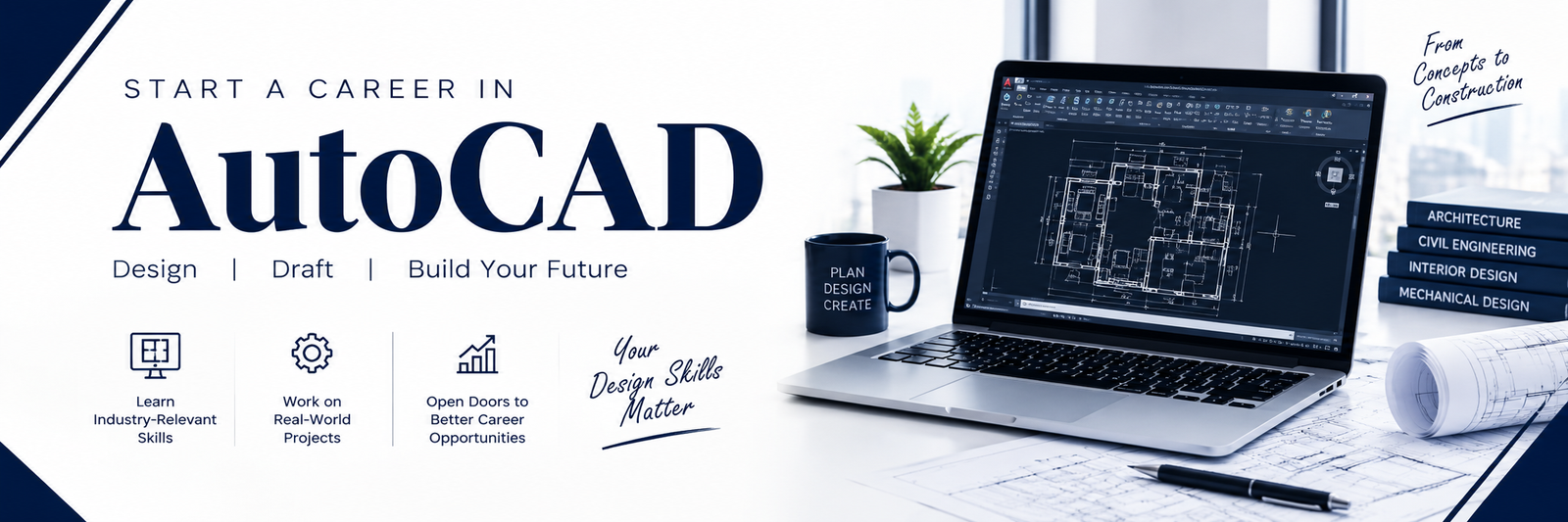
If you want to establish a career in technical design but aren’t sure where to start, then learning AutoCAD could be a good first move since it allows you to explore areas such as drafting, architecture, civil engineering, mechanical design, and construction. People working in these disciplines use AutoCAD to produce accurate 2D drawings and technical plans for a wide variety of projects.
For students, job hunters, those changing careers, and beginners, choosing the best institute that provides placement assistance can help make the process of learning more organised and efficient. The appropriate course should not merely teach basic commands but should also include hands-on practice, experience working on real projects, and practical advice regarding one’s career.
What Will You Learn Using AutoCAD?
If you are new to AutoCAD, the first step is to explore the AutoCAD interface and learn the drawing tools. You found that once you become comfortable with those basics, you can start creating and editing drawings. During an AutoCAD course, it will show you features such as layers, dimensions, blocks, layouts, printing and basic drafting standards. Learning AutoCAD is not about memorising commands. Regular practice is essential because learning AutoCAD builds confidence and helps you see how the different features fit together. Working on drawings and projects makes the learning journey easier. You need to work on drawings and projects so that you become comfortable using the software independently.
Some important AutoCAD skills for beginners that will help new beginners in learning AutoCAD include:
- Getting familiar with the AutoCAD interface and workspace.
- Creating and modifying 2D technical drawings.
- Working with layers and dimensions
- Preparing layouts for printing
- Maintaining drawing accuracy and standards
- Completing hands-on design projects.
How Does Placement Work After Learning AutoCAD?
If you are looking for an AutoCAD institute in Indore with placement support, don’t choose a course based only on its certificate or placement claim. Practical training should be a major part of the course. Finishing a course does not automatically guarantee a job. Employers may look at how you use AutoCAD, how accurately you create drawings, your practical project experience and whether you can follow professional drafting requirements. A good training institute can help students beyond just AutoCAD training. Depending on the institute, this help may include building a resume, preparing for interviews, getting guidance about job openings and getting placement assistance, with companies looking for trained candidates.
This will give you an idea of how the AutoCAD course can help you prepare for an AutoCAD-related job. Tech Cluster teaches AutoCAD the way people actually use it at work. Instead of just clicking through menus, beginners sit down and draw real things — floor plans, machine parts, layouts — and see how each tool fits into actual design projects.
Jobs After learning AutoCAD
AutoCAD alone won’t decide your career — your degree, specialisation, extra skills, and hands-on experience all play a part in which role fits you. Still, most beginners who complete an AutoCAD course in Indore end up choosing from roles like the ones below.
* AutoCAD Designer
* Junior CAD Designer
* CAD Technician
* Design Assistant
* Civil CAD Designer
* Mechanical CAD Designer
Therefore, when choosing the best AutoCAD institute in Indore with placement, don’t rely only on advertisements or placement claims. Take a look at the course curriculum. Take a look at the practical projects. Take a look at the trainer experience. Take a look at the software training. Take a look at the student support. Take a look at the career assistance. These details can give you an idea of what you can actually expect from the course.
Why Should You Choose Practical AutoCAD Training ?
You can learn the basics through performing individual commands or watching videos but professional work usually requires more than just knowing commands. You need to know how drawings are constructed, how to be precise, and how to complete a project to specification.
This is where practical training is important. Best AutoCAD institute in Indore with placement must provide a chance to beginners for working on projects and learning real drafting workflows. If you’re starting from scratch, a structured AutoCAD for beginners program can give you a clear learning pathway. Instead of learning commands in random order you can go from simple drawings to more practical projects in a gradual way.
Conclusion
You learn the basics of becoming an AutoCAD designer first. But then it’s up to you to develop by practicing and applying your skills consistently. If you’re a student, career seeker, career switcher, or total beginner, start with the basics and build up your practical design experience. Finishing a course does not automatically guarantee a job. Employers may look at how you use AutoCAD, how accurately you create drawings, your practical project experience and whether you can follow drafting requirements.
Tech Cluster institute can help students beyond just AutoCAD training. Depending on the institute this help may include building a resume, preparing for interviews, getting guidance about job openings and getting placement assistance, with companies looking for trained candidates. So before enrolling, ask what kind of projects you will work on and what the institute really means by placement support. This will give you an idea of how the AutoCAD course can help you prepare for an AutoCAD-related job.
Frequently Asked Questions
- How long does it take to learn AutoCAD?
It takes amounts of time to learn AutoCAD. Some people learn the basics in a week. Others take months or even years to master features. The key is how much time you can spend each day. If you practice every day you will learn faster. If you only study once in a while, it will take longer. Also, how much you want to learn matters. Learning just the basics is easier than becoming an expert in 3D modelling or architectural design. - What can I do after completing an AutoCAD course?
After completing a course in Indore you can start looking for entry-level jobs such as CAD Designer, AutoCAD Designer, CAD Draftsman, CAD Technician or Design Assistant. These roles help you get your foot in the door. You can also choose to grow your skills by learning other software used in design fields. This includes tools, for design, mechanical design or interior design. Expanding your knowledge helps you take on advanced roles later. This can open career options as your AutoCAD skills grow. - Can I learn AutoCAD without design experience?
Yes. AutoCAD for beginners starts with tools and commands so a design background is not necessary to start. You can learn each feature step by step. Practice with drawings. Over time you will become more familiar with the AutoCAD commands and the whole drafting process. - How do I choose an AutoCAD institute in Indore that offers placement?When comparing AutoCAD institutes in Indore do not focus on placement promises. Check the syllabus, practical training, projects, trainer experience, software covered, certification and career support. It is also worth asking what kind of drawings and projects students work on during the course. This can give you an idea of how much practical experience you will gain with AutoCAD.
- Is an AutoCAD certificate to get a job?
Not necessarily. A certificate shows that you have finished AutoCAD training. It does not prove how well you can use the AutoCAD software. Employers may also look at your ability to create drawings work with AutoCAD tools follow basic drafting standards and handle practical projects. Building skills along, with the AutoCAD certificate can make you better prepared for AutoCAD-related jobs.